3D Configurator Product
Every product tells a story best when it can be explored. A product 3D configurator lets shoppers spin, recolor, and customize your item so they understand it completely before they commit.
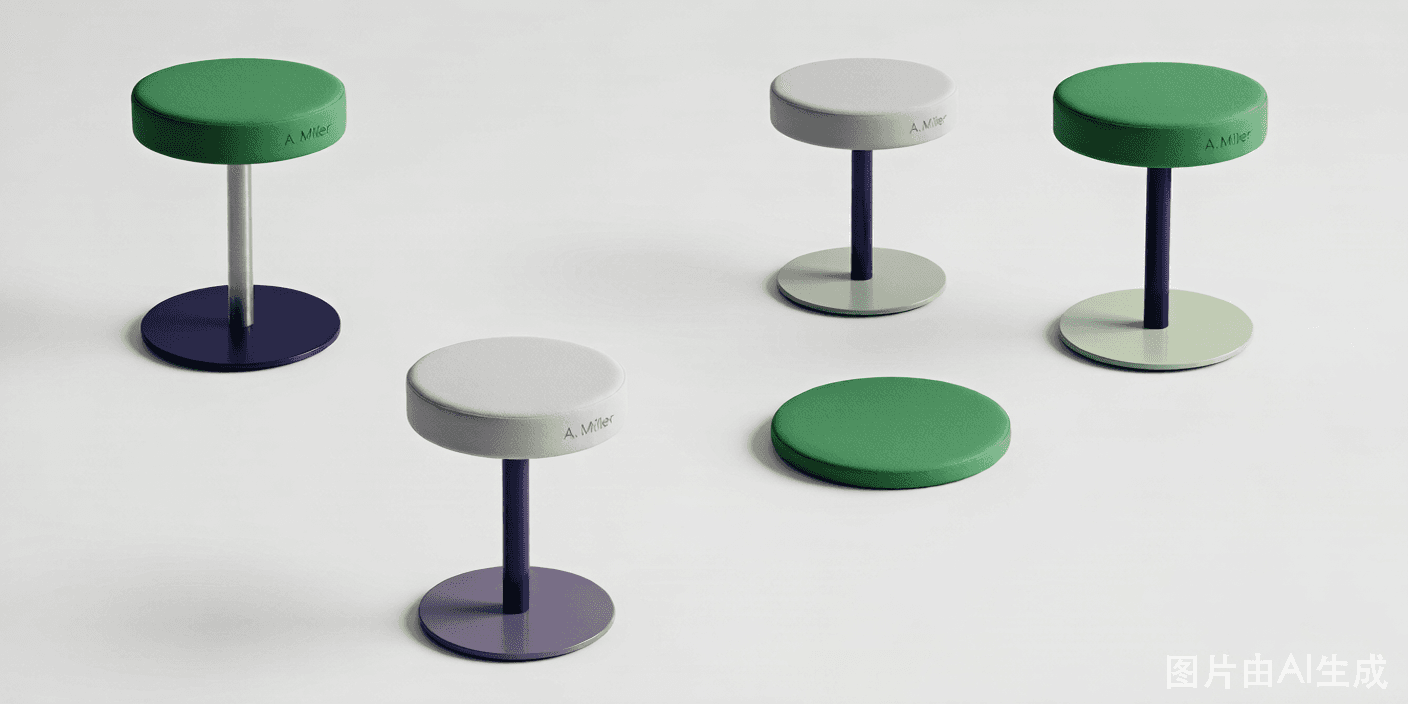
Why lead with a product 3D configurator
Photographs show one version of a product. A product 3D configurator shows every version — and lets the shopper create the one they want. That shift from passive viewing to active building is what moves indecisive visitors to buyers.
3D Product Config keeps it simple for you. One product, one model, a handful of options, and an embed code is all it takes to replace a flat gallery with an immersive, conversion-focused experience.
Why teams choose 3D Product Config
Photoreal 3D
Show materials and finishes with realistic lighting.
Confident buyers
Shoppers understand the product before purchase.
Quick to launch
One model and a few options go live fast.
Dynamic pricing
Option changes reflect in the price instantly.
Easy embed
Drop it on any product page with one snippet.
Lower returns
Expectation matches reality at delivery.
Product-focused features
Material realism
PBR textures render wood, metal, and fabric accurately.
Finishes & colors
Swap swatches with smooth transitions.
Hotspots
Annotate key features on the model.
AR view
Place the product in the shopper's space.
Launch a product configurator in three steps
Add the model
Upload the 3D file for your product.
Set options
Define the finishes, sizes, and parts.
Embed it
Place the configurator on the product page.
Great first products to configure
Flagship items
Make your best seller interactive.
Gift products
Help buyers personalize with confidence.
Premium goods
Justify price with an immersive view.
New launches
Generate buzz with an interactive reveal.
Frequently asked questions
What is a product 3D configurator?
It is a 3D configurator focused on a single product, letting shoppers view, customize, and buy that item with a live preview.
Is it hard to set up for one product?
No. Upload one model, define a few options and prices, and embed it — often within an afternoon.
Will materials look realistic?
Yes. 3D Product Config uses PBR textures and environment lighting so wood, metal, and fabric render accurately.
Does it reduce returns?
Typically yes, because shoppers see exactly what they order before checkout.
Can I add AR?
Yes. The AR module lets mobile shoppers place the configured product in their environment.
Explore more 3D configurator solutions
Ready to launch your 3D configurator?
Join thousands of brands using 3D Product Config to create interactive product experiences. Free 14-day trial. No credit card required.